
Tradeshow Marketing Expert & Dynamic Public Speaker/Trainer
The Five-Day Tradeshow Marketing Challenge
Yes, tradeshow marketing takes more than five days. Of course it does! It’s an ongoing process that keeps tradeshow managers up at night, especially when shows are impending. Some shows last about that long! So, what do I mean by the five day tradeshow marketing challenge?
Instead of trying to handle preparing for a show all at once, take five days. Perhaps in just a few moments a day you can line things up, get them prepared and be ready once tradeshows get back to normal.
Or whatever normal will look like.
Let’s assume the next big show is still several months away. Far enough away to not really worry if you start your Five-Day Tradeshow Marketing Challenge this week or next. But close enough so that you shouldn’t put it off too much longer!
Day One:
Plan.
Actually, every day is planning of some sort, but today, plan the basics:
What shows you’re going to.
What shows you’d love to go to at some point, but maybe not this year or next year.
What kind of presence you’d like at the show: size of booth; number of people. Perhaps what you’d like to spend on sponsorships or advertising at the show itself to help build awareness and move people to your booth.
This is also a good day to review past year tradeshow costs to assemble realistic budgets for the next series of shows. Pull out copies of documents that show actual costs vs. estimates. Build spreadsheets to give you a good sense of what you’ll have to invest to exhibit this time around.
Day Two:
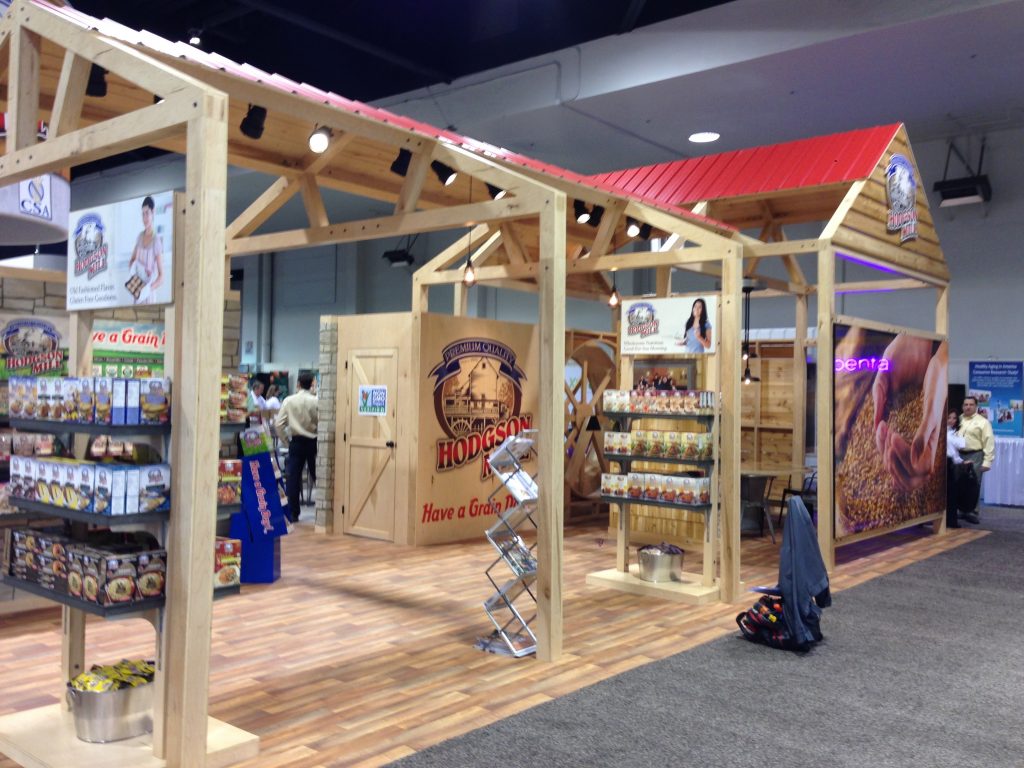
Exhibit Changes / Additions
If you need a new exhibit, and it’s time to have that chat with management, that’s a longer process. But if you have a good exhibit and all you need is to make upgrades, today is a good day to start sketching out those changes. At this point, you don’t have all the information you’ll eventually need such as product launches, what products you’ll be promoting and so on. But it’s a good time to make a list of the number of graphic changes you’ll make, if any; the dimensions of the graphics and any other particulars you’ll want before design and production. Make notes about who you need to talk to to know what those product launches and so on will be. And give a heads up, if appropriate, to the designer who will be making the new graphics.
Day Three:
Promotions
Promotions can take almost any shape, from creating online videos to crafting a social media campaign, to coming up with a clever way to dress up your booth. Here on Day Three, you’ll just want to make lists with broad strokes of the top promotion ideas and concepts that will eventually flower.
Day Four:
Travel Logistics
How many people are going, where are they staying, who’s booking travel, who’s making the schedule for the booth and so on. Getting a firm grasp on this a few months ahead of time will reduce headaches as you get closer.
Day Five:
Shipping and Exhibit Installation/Dismantle Logistics
If you have worked with the same I&D crews and shipping companies for years, this is usually nothing more than giving them advance notice that you’re on board again this year. If you need to find someone new for these areas, now’s the time to determine who you’re going to work with, and how to find the right people for the tasks.
Now that you’ve spent an hour or two a day for five days, you should have a much better grasp on what’s coming and be more prepared for when you’re thrown a curveball. Which you probably will be!
TradeshowGuy Monday Morning Coffee, June 8. 2020: Micheal McNeeley and Gail Chester
I connected with Micheal and Gail a decade ago when they made their first appearance at Natural Products Expo West. They’ve been back every year, using the national show as a way to connect with more and more buyers, distributors, colleagues and fans.
We finally caught up for a conversation about their company, Lively Up Your Breath, how they approached Expo West, and how they’re dealing with the current COVID-19 pandemic.
And yes, Micheal gives us his song and dance. And it’s a good one!
You can find Lively Up Your Breath here.
This week’s ONE GOOD THING: Seberg, the movie about the FBI’s following, wiretapping and harassment of the actress Jean Seberg in the 60s and 70s.
Office Dividers Help Relieve Employee Anxiety About COVID-19
Some of your employees may not be worried about the coronavirus COVID-19, and others may be experiencing high anxiety. It’s not predictable, but it is important is to be able to address those concerns. Not only with effective barriers between close-together desks in an open office, but in a way that not only looks good but fits in a budget that may have been hammered by the pandemic.
Every workplace is different.
If your employees have worked in an open office where everyone gathers in a large area, you should ask yourself if an open, unprotected environment is still viable? Or will your employees feel safer with more personal protection, like protective barriers that can be easily cleaned and even personalized?
What should you get?
If you decide to install protective barriers, several questions arise: What kind? How much? Who’s going to install them? In addition, you’ll need to consider if they be cleaned? What about wire management? Can they be adjusted to compensate for uneven floors? And finally, what about promoting your company brand?
With the help of our manufacturing partner Classic Exhibits, we put together a short video that shows several effective solutions to the issue that you may find yourself facing:

TradeshowGuy Monday Morning Coffee, June 1, 2020: Jonathan Tavss
What is the future of tradeshows, events and conferences? While most people in the industry I speak with think things will (mostly) get back to normal at some point, that may still be some time away. Which leaves virtual events as one way of keeping the clock moving forward.
This week’s TradeshowGuy Monday Morning Coffee offers a chat with Kaleidoko’s Jonathan Tavss, who discusses a recent virtual event he helped facilitate, and what the future of tradeshows and events, combined with a strong digital presence, might look like:
Find Kaleidoko here.
This week’s ONE GOOD THING: Ted Chiang’s collection of short stories entitles Exhalation.
Ways to Level Up Your Online Zoom Presence
Zoom is ubiquitous. So much so that I’ve even been reading lately about “Zoom fatigue.” So many Zoom meetings!
But what’s a person to do? Many offices are closed. Millions are working from home, navigating the line between getting work done, keeping kids occupied, quieting pets and so much more. Zoom is a lifeline as well as a way of life for many people. Meeting with business colleagues and clients, and family gatherings.

I recently chatted with Ken Newman of Magnet Productions, a long-time tradeshow friend and colleague, about ways to step up your game when a Zoom call. He works with a number of clients to do the same, and we chatted about the various ways of improving the quality of your Zoom interactions.
What are your goals?
Let’s start with your situation. Are you planning to make changes to get you through another couple of months (or however long it takes to return to “normal”), or are you looking to make permanent changes to your home studio? Even when tradeshows come back, many things will be normal, but there will also be a more robust virtual element of tradeshows.
How are you using Zoom?
Zoom was built to handle speech, not music. When Zoom hears a loud sound, like a siren or car horn, it will immediately clamp down the sound to prevent it from going through at such a high level. Which means, if you happen to want to play music or some other type of sound on your Zoom calls (such as a larger meeting where several people might be in a single room, or where one person is playing music through an amplifier, for example), you’re going to have a big challenge in front of you to keep the sound at an even level. To get around that, you can go into settings and “enable original sound.”
Do rehearsals.
One of the first lessons I learned in my early radio days was to know what you really sounded like, not what you think you sounded like. It’s the same concept with a video call or presentation. Simply start a meeting with nobody else there. Record it and play it back. You can check how you look, how the lighting looks, how you sound. And when you do rehearsals, you’ll catch those little crutches that you usually don’t know about, like saying “like” all the time or “y’know.”
Check the background of your image
Don’t have an open window behind you, because your guests on the call will see a poorly lit image of you, mainly a silhouette. Use lighting at about three-quarters.
Green screen: a gimmick, but more as a fun thing, but after the initial view of Fiji, it gets boring and distracting.
Limit background noise
Close the door. Try to schedule meetings when people are doing other things (yes, that may be impossible!). Tell the others in your house that you’re going to have the call and to please assist with keeping kids and dogs quiet. Yes, I know that if you live near a train track that sometimes things just happen. If background noise is a continual problem, you might check out Krisp: recommended recently by Seth Godin, who says it is good a dampening background noise when you’re on a Zoom call.
Equipment to Consider
Ken and I discussed a number of pieces of gear, both hardware and software. These range in cost from small or modest to more expensive and are worth taking a look at depending on your level of use of video and how much your budget can handle.
Lighting
LED ring lights are mostly low-cost and add a lot of control of your image. Set them off to the side so they’re aiming at your face at about 45 degree angle. Package them with a tripod that can also hold your camera and you’ll only need the one, if that’s what you’re using for Zoom or other video. Otherwise, consider getting two of them and put one on each side of your face at a 45 degree angle.
Microphones
With a laptop or desktop, having a USB microphone will immediately take you above the sound you get from typical AirPods or earbuds with a microphone in the cord. AirPods have a decent sound, and in many case the smaller microphones on your earbuds will be okay. The microphone on your laptop or desktop computer is probably the lowest sound quality and the most problematic when it comes to background noise.
USB Microphones:
I use the Audio Technica AT2020USB+. Good sound, has a mini-headphone jack for plugging headphones in and mixing sound. It’s not a high-end microphone, but the sound is solid and it’s been a good workhorse for me.
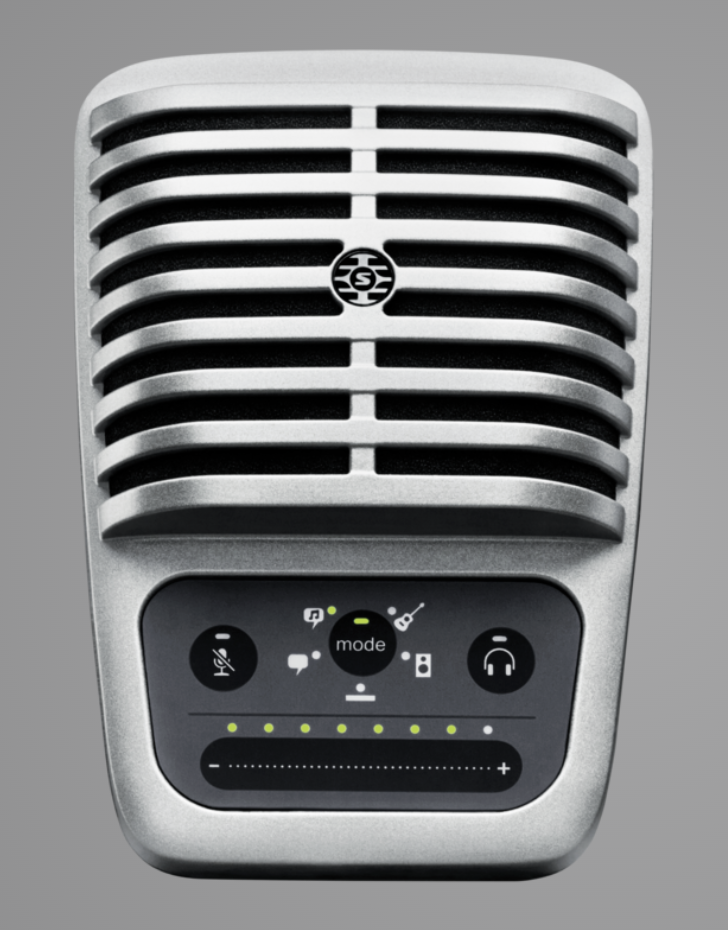
Ken often uses a Shure MV-51, which is a higher-end USB mic with more bells and whistles.
We’ve both had the Yeti Blue mic, which is good but nor great. It’s lower cost means a lot of people have tried it. I stopped using mine a year ago when it simply stopped working. But frankly, if you can find a low-cost USB microphone it’ll be a good upgrade from your laptop or AirPods in terms of sound. Not only that, but it’ll show that you’re serious about your audio sound.
On location, and in any situation where you want freedom to roam but still get good sound, use something like a Kimafun 2.4G wireless lavalier microphone with built-in audio interface. Short-range dedicated wireless connection (not Bluetooth). It comes in a compact case that is smaller than a typical shaving kit.
Webcams
Chances are you have a phone with a built-in camera or a laptop with a good built-in camera. If you want or need something a little better, consider these:
Logitech C922 HD webcam
Logitech C270 – lower cost version
Software
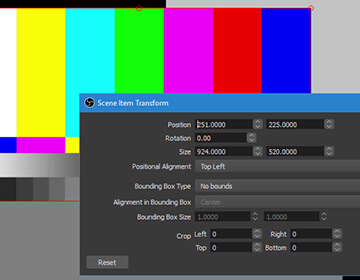
OBS – Open Broadcaster Software. More for the serious webcaster who wants a full package to be able to broadcast high performance realtime video and audio capture and editing. Audio mixing, adding in recorded video scenes to your broadcast. Like having a small TV station control panel in your computer. Learning curve is steep, but if that’s what you want, this is a good piece to explore. And since it’s open source, it’s free to use.
The world was moving to much more online video even before the pandemic forced a lot of us out of the office and in front of a webcam and microphone. Since the chances are you’ll be doing more video, you might as well look and sound as good as you can!
Check this video on Quick Tips For Shooting Video At Home from Livd + Produced on Vimeo.
Thanks and kudos to Ken Newman of Magnet Productions for sharing insight and expertise!
TradeshowGuy Monday Morning Coffee, May 25, 2020: Quaranteenage Wasteland
A short week. A holiday. A quick check-in. How’s your week going?
Mentioned in the show:
PlaceLyft: modular office designs and retail environments
This week’s ONE GOOD THING: Schitt’s Creek
Top 5 Most-Viewed Podcast Interviews of the Past Year
I thought it might be fun to see what people have gravitated to on this blog when it comes to the weekly vlog/podcast I do under the title TradeshowGuy Monday Morning Coffee. The podcast is more or less a diary of my business and more broadly, the event and tradeshow industry, and beyond that, the business world. Or at least what interests me on any given day.
I don’t always have interviews on the show, but they’re always fun. I love speaking with industry colleagues and getting to know them, even though most of them are only “Zoom” friends, and we aren’t sitting down across a table for coffee!
Still, they’re enlightening and fun. Here are the top five most-viewed based on analytics looking back twelve months.
Number Five (we’re counting down to Number One!): Dominic Rubino of BizStratPlan.com talked about an easy formula for difficult business conversations.
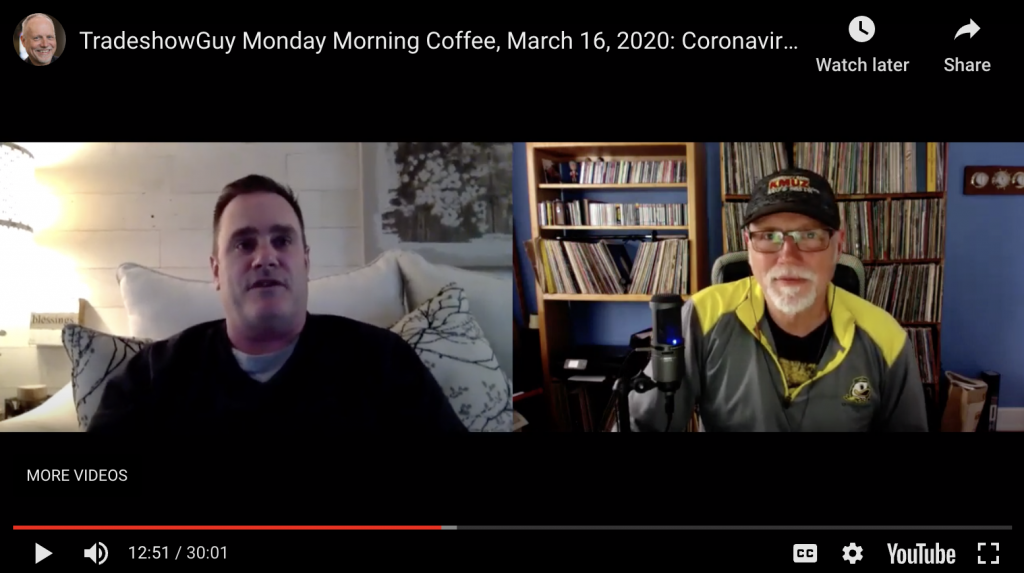
Number Four: Phil Gorski of Ava-Nee Productions and his company’s VR approach to tradeshow exhibits (and other fun things).
Number Three: Danny Orleans is a tradeshow entertainer and Chief Magic Officer at Corporate Magic LTD.
Number Two: Joan Stewart, the Publicity Hound, offered numerous tips on creating publicity at tradeshows. Worth another look. Bring your notepad.
Number One: a long-ranging discussion from March with Kevin Carty of Classic Exhibits, Marcus Vahle of Share Experience Company and Andy Saks of Spark Presentations.
Grab our free report “7 Questions You’ll Never Ask Your Exhibit House” – click here!
TradeshowGuy Monday Morning Coffee, May 18, 2020: Jay Gilbert
The event and tradeshow industry is on hiatus and no one knows for sure when or how it will return. It’s the same with the music industry. Concert tours have been postponed or cancelled. On this week’s TradeshowGuy Monday Morning Coffee, I reconnect with Jay Gilbert of Label Logic, a Los Angeles-based company that works with artist management and a handful artists. I was curious to see how their company has been impacted, and how the music industry as a whole has been impacted by the COVID-19 Pandemic. Take a look/listen:
Check out Jay’s company Label Logic here. Here’s a link to the first time Jay was on TradeshowGuy Monday Morning Coffee with us.
This week’s ONE GOOD THING: Chernobyl mini-series on HBO.
The Workplace is Shifting. Are You Ready?
In the past few weeks, new stories have popped up on the New York Times, Reuters, National Geographic, and others about the COVID-19 Pandemic affecting the feasibility of an open office format in workplaces. It’s a good question and there are no easy answers.
An open office puts people, sometimes dozens of them (or more) into an environment where people work within a few feet of other. In today’s social distancing world, even as states and businesses work to get back to some semblance of normal, many employees will not be as enthusiastic about the open office as their managers might be.
Employee Anxiety Levels
A good manager will likely realize that the anxiety of their employees will range from one end of the spectrum to the other, and will go to lengths to provide safety, both physical and emotional, to their employees.
What does that mean on a practical level? For one, it might mean that many people continue to work from home. If it works, it may be the thing to do.
But other companies and other employees may be itching to get back to the office. Yeah, working from home has its bennies, but it also has its challenges: kids, neighborhood noises, spouses also working from home. Juggling all of those elements can’t be easy (I know from personal experience), and that may mean employees are leaning towards getting back to the workplace, where a more normal reality awaits.
Or does it?
Meeting New Needs
Companies and managers that are sensitive to the needs of the employees will no doubt be looking at ready-made solutions to separate employees. The old “cubicle” may come back in some form.
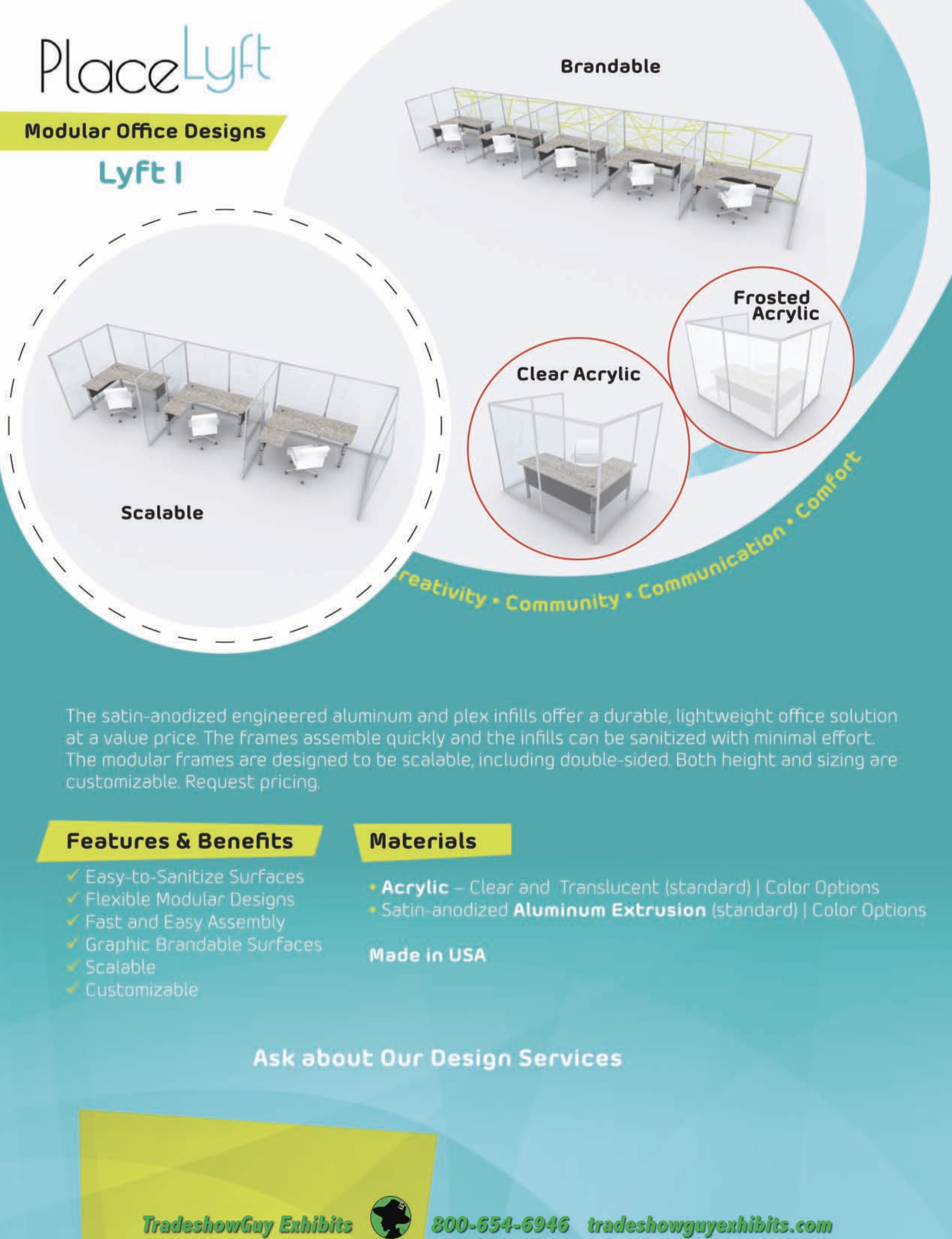
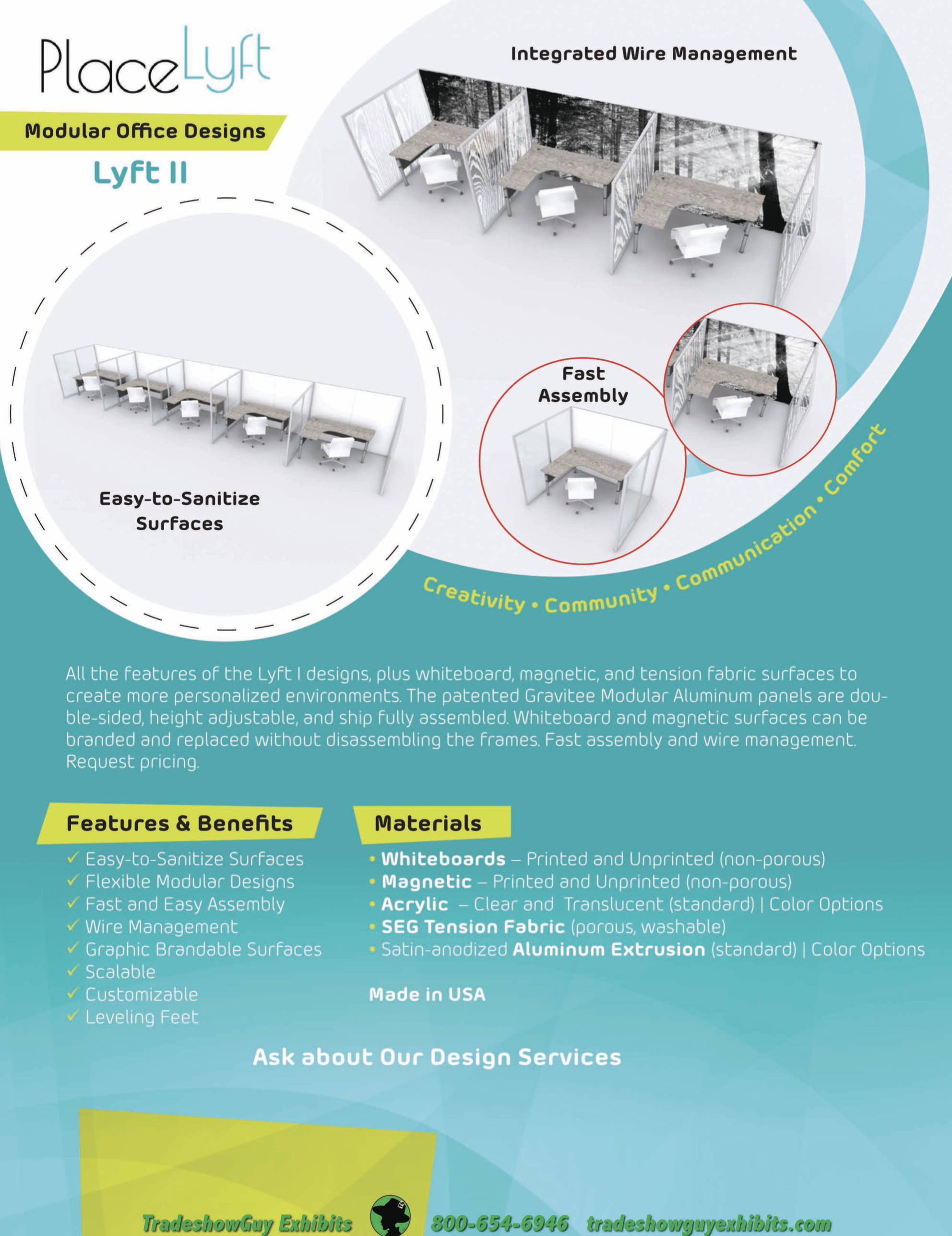
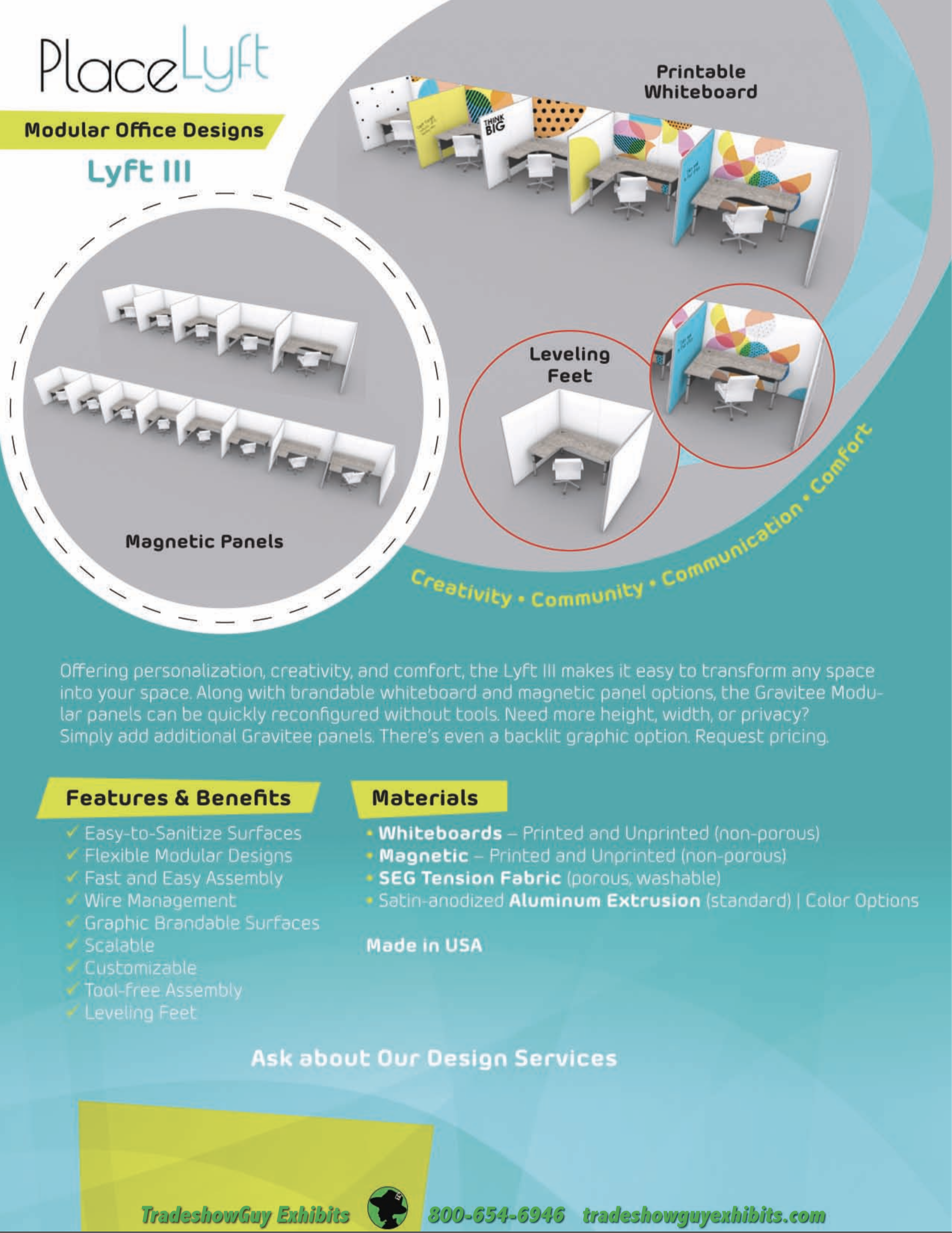
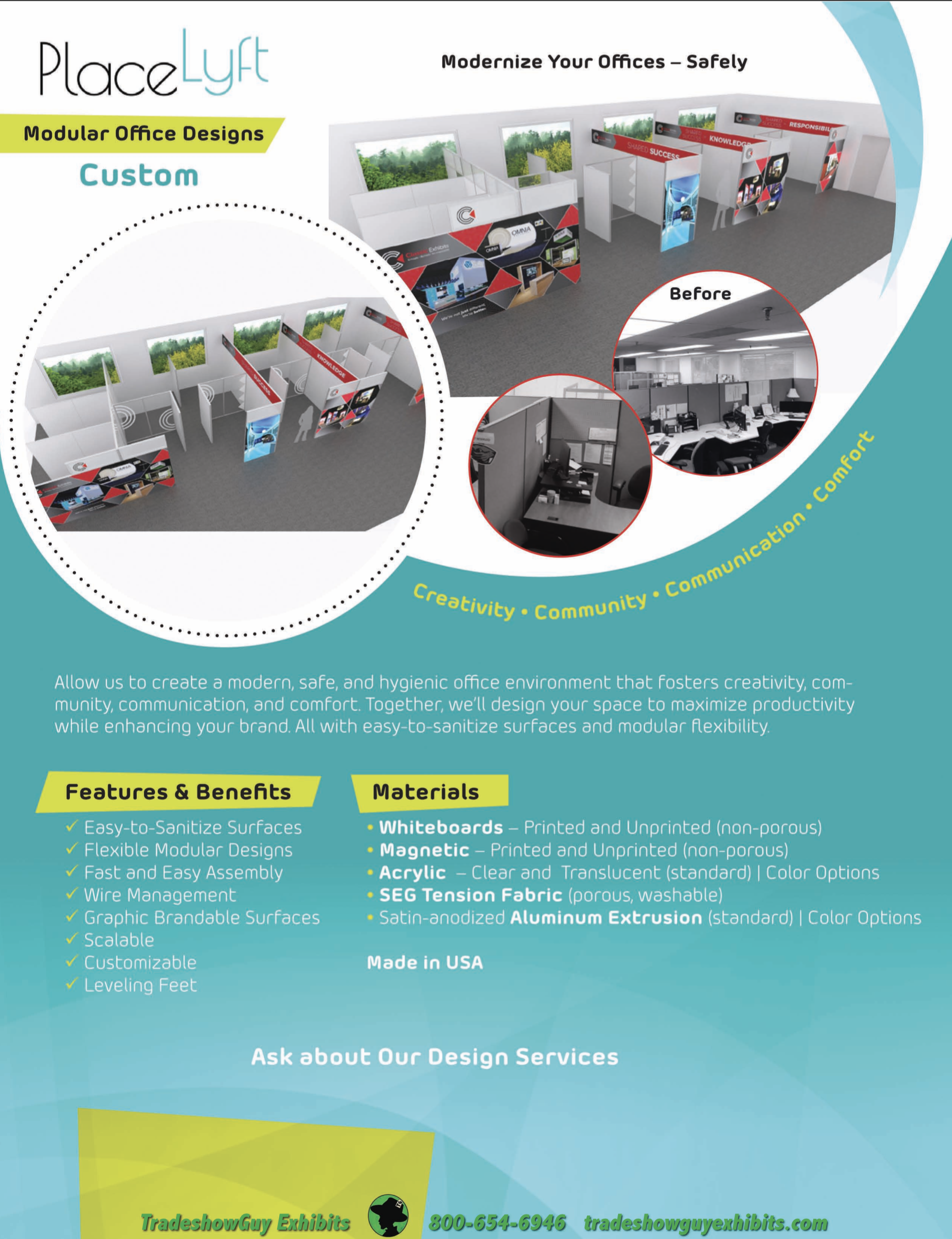
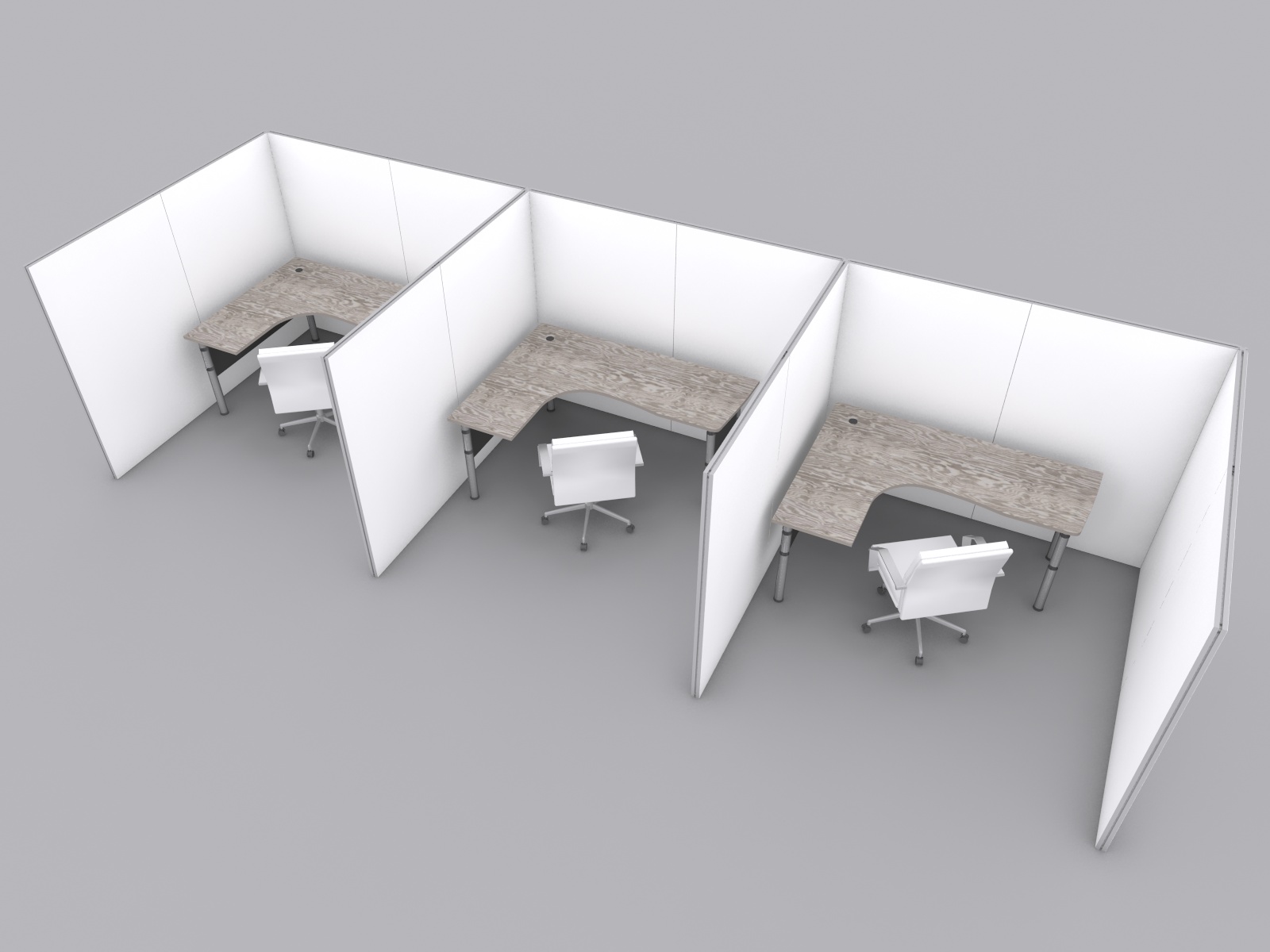
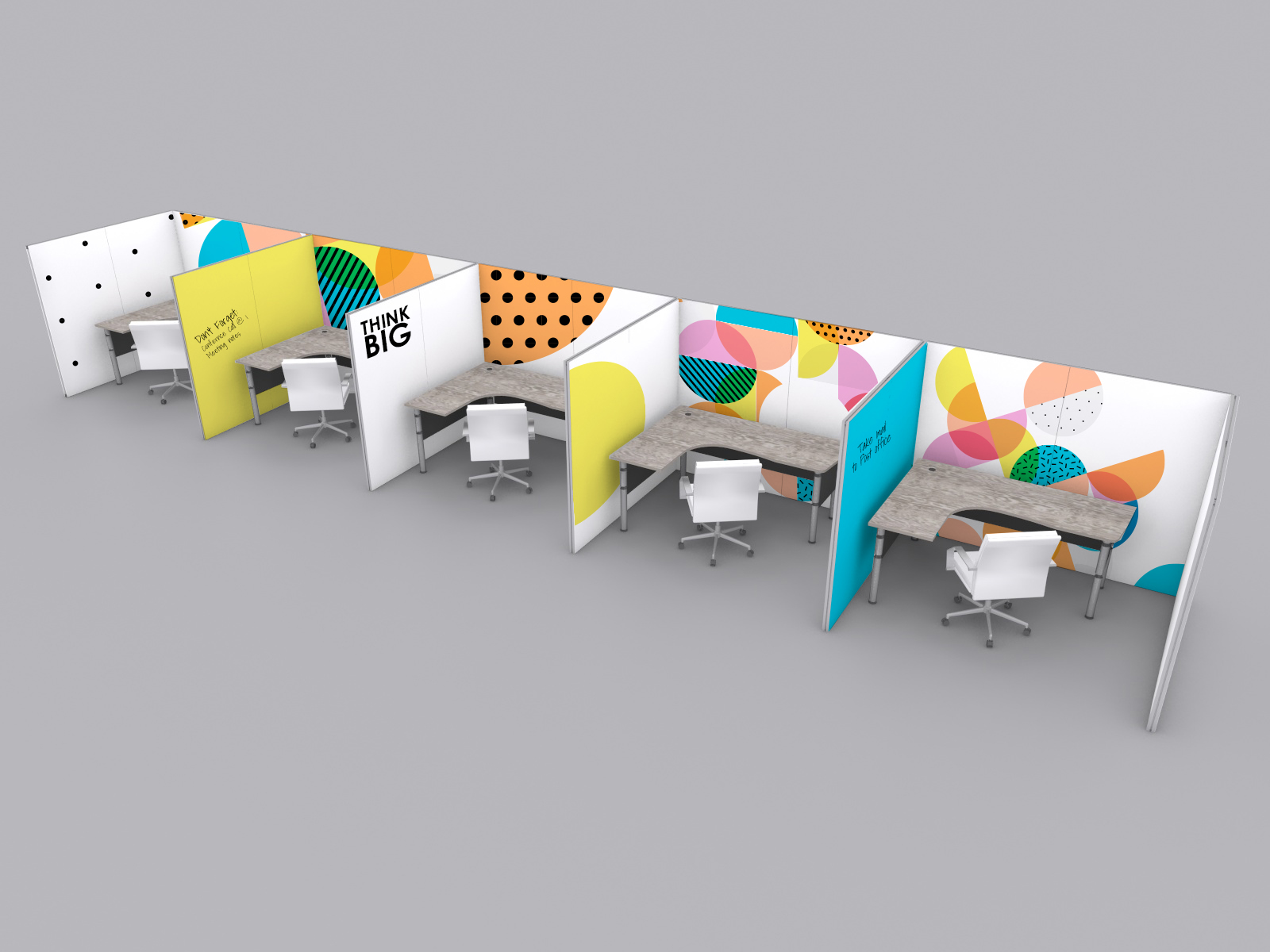
You may not be surprised to learn that what works to build a great, easy-to set-up and dismantle exhibit also works to form functional and efficient office dividers, or if you like, office pods. The manufacturer we most often work with, Classic Exhibits in Portland, has been working with architects and space planners for several weeks now to come up with appropriate office dividers at a competitive price.
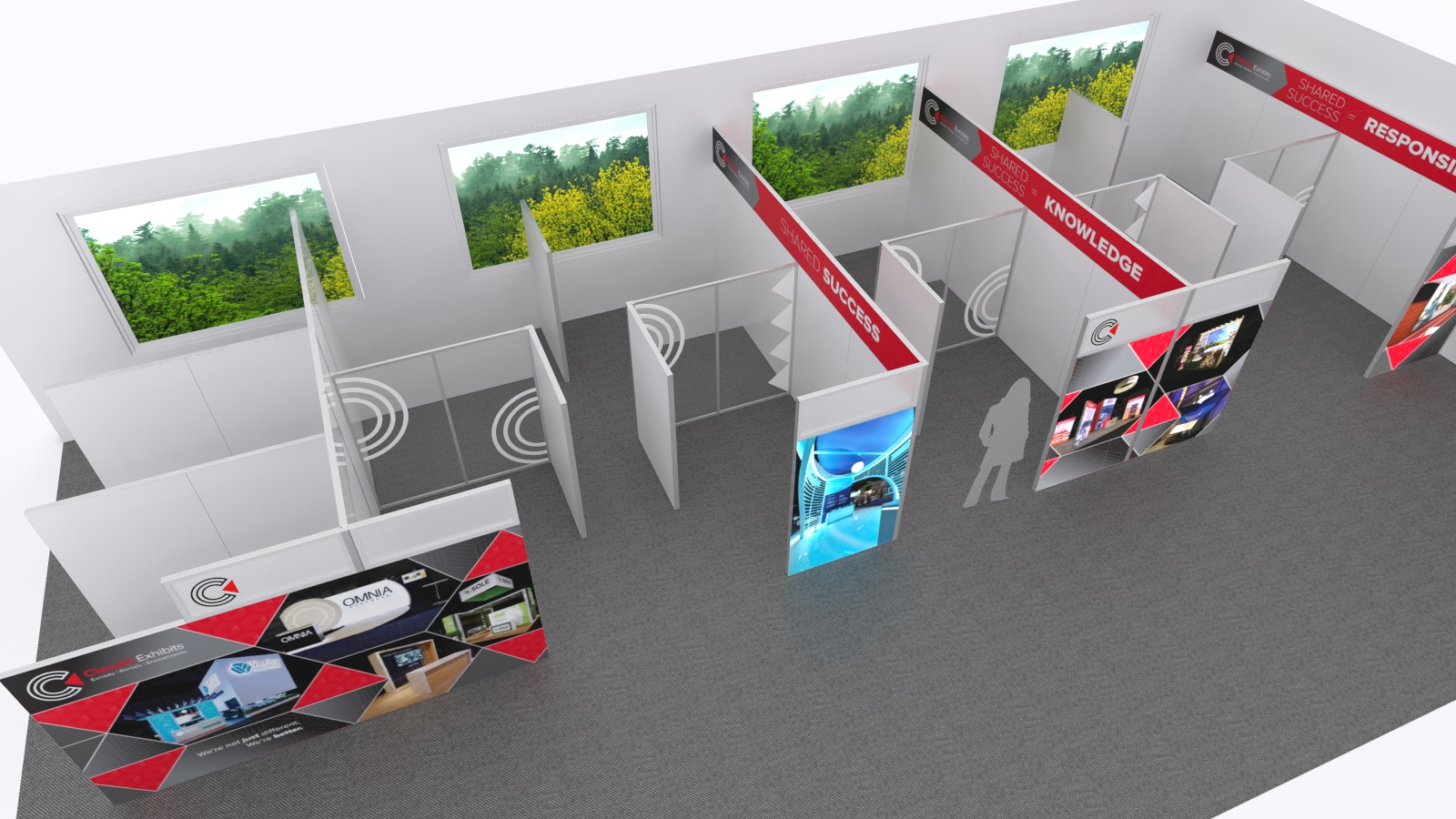
They’ve even named the product PlaceLyft and have a number of options that range from simple and economical to more complex. Lyft One, Lyft Two, Lyft Three and Custom Solutions. Here at TradeshowGuy Exhibits, we have at least fifteen years of working hand-in-hand with Classic Exhibits, so we know the level of quality and commitment that they bring to any endeavor.
Cleaning the Dividers
Fabric or cloth-covered cubicle walls are difficult to clean. There’s no getting around that. How would that work? Steam-cleaning? Time-consuming and perhaps not that effective. But when faced with cleaning various optional divider materials with these Office Pods, all are easy to clean:
- Sintra and Dibond: a clean look available in many color options. You can print to it if you want. Both are easy to clean; just spray and wipe it down.
- Grease board (dibond): metal versions as well as standard which you can put magnets on. Available in at least eight standard colors.
- Acrylics: available in clear or color. Some of the acrylics are not suitable for frequent cleaning, so the right cleaner is needed. Peroxide based cleaners are best for Acrylics.
Learn More
These panels have a lot going for them: adjustable wire management, adjustable feet for leveling and running wire underneath, custom heights, option to put a thin panel in the middle of the Gravitee frame for potential sound-proofing, removable fabric graphics that are easily laundered for cleaning and much more.
We have a number of informational sell sheets available on the Office Pods here. Take a look and please contact us for more information if you have questions.